Lead Generation Form Questions: 50+ Examples by Industry
This guide is built on real campaigns run with AdsQuiz: a fintech quiz that brought in 6,500+ leads, an education quiz that halved the cost of a lead, a B2B quiz at $20 per lead, and our review of 92 quiz ads on Facebook and Instagram. From them come 50+ lead generation form questions for 10 industries, the order to ask them in and the mistakes that quietly kill conversions.
Where these questions come from
Every recommendation below comes from campaigns we can show you, not from theory. Here are the four we lean on most, with what they asked and what it got them.
Fintech: 6,500+ leads
Asked: 15 questions about pain points, current situation and product benefits, split into 2 audience segments.
Got: 6,500+ qualified leads and 2,500+ chatbot subscribers instead of cheap random sign-ups. Spendge case
Education: lead cost cut in half
Asked: 3–4 questions sorting leads by the service they needed, then phone and email.
Got: leads at half the cost of the website form and 22 qualified leads in the first 10 days. Education case
B2B services: $20 per lead
Asked: a few qualifying questions in a quiz that replaced the whole website.
Got: $20 average cost per lead, about $400 per client and a 2-month payback. B2B case
Research: 92 quiz ads
Looked at: Facebook and Instagram ads from 20 businesses in the US, UK, Ireland and Australia that lead to quizzes.
Found: the best first question picks up the ad's promise. Read the research
You will find the details of each campaign in the section what real quiz campaigns show, and a live quiz you can click through right below.
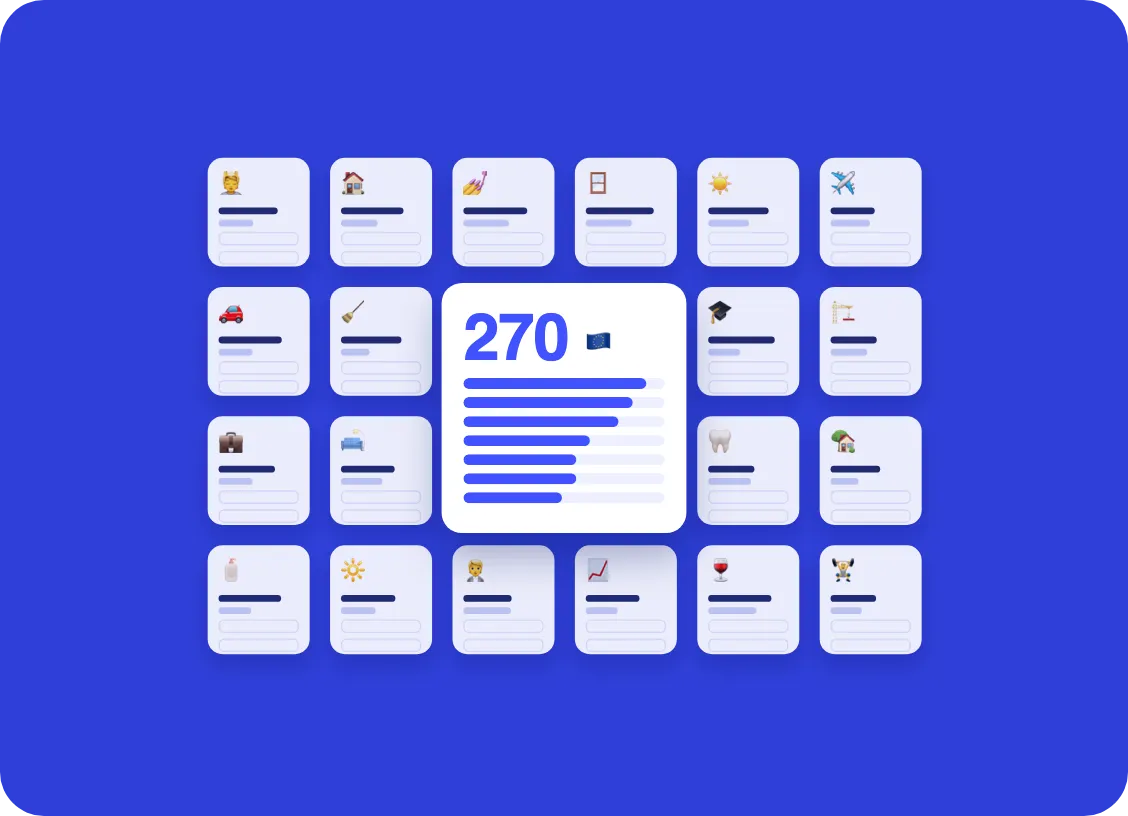
To see how businesses actually use quizzes, from niches to questions and contact forms, read our analysis of 270 European lead generation quizzes.
Try a lead form quiz first
Before the theory, here is what a well-built lead form looks like from the visitor's side. This study abroad quiz asks one question per screen, uses clickable answers and asks for contact details only at the end. Click through it, then read on to see why each question is there.
Want this exact flow for your business? The template is in the study abroad section below, ready to edit.
Why your lead form questions matter more than your form design
Most lead forms ask for three things: name, email and phone. That keeps the form short, but every lead looks exactly the same. Your team has no idea who is ready to buy this month, who is just comparing prices and who is not a fit at all, so the first call turns into an interview and a lot of time goes to people who were never going to convert.
Add too many questions, though, and people leave halfway through. The goal is not the shortest form or the longest one. It is the smallest set of questions that tells you who the lead is, what they need, how soon and with what budget, asked in a way that feels easy to answer.
That is why so many businesses now run their lead forms as short quizzes. One question per screen with clickable answers feels like a quick self-check instead of paperwork, and it lets you ask four to seven qualifying questions without the form looking long.
The 4 types of lead generation form questions
Almost every good lead form mixes the same four kinds of questions. Knowing which type a question belongs to helps you decide whether you need it at all and where it goes.
| Question type | What it does | Example |
|---|---|---|
| Engagement | Easy first step that gets the visitor clicking | "What are you looking for?" with 3–5 picture answers |
| Segmentation | Tells you which product, service or team the lead belongs to | "Is this for your home or your business?" |
| Qualification | Shows how likely the lead is to buy: budget, timeline, authority, need | "When do you want to start?" (this month / 1–3 months / just researching) |
| Contact | Lets you follow up | Name, email or phone, preferred way to be contacted |
If you work in B2B sales, you may know the classic BANT framework: Budget, Authority, Need and Timeline. Those four are still the best qualification questions, you just phrase them so a visitor can answer with one click instead of typing a paragraph.
In what order to ask lead form questions
The same questions can convert very differently depending on the order. A sequence that works for most businesses looks like this:
Start with the visitor's goal
Open with an engagement question about what they want, not about who they are. It is easy, it is relevant, and it shows you understand their problem.
Narrow down the request
Ask one or two segmentation questions: type of service, size of the project, home or business. Use branching so people only see questions that apply to them.
Qualify: timeline and budget
By now the visitor has invested a few clicks and is far more willing to tell you when they want to start and what range they have in mind. Offer ranges, never an empty number field.
Give something back
Show a result: a price range, a recommended package, a checklist or a discount. That is the reason to leave contact details.
Ask for contact details last
Ask only for what you will actually use. If your team calls, ask for a phone number; if you send a proposal by email, email is enough.
Here is how that compares with a classic contact form:
What real quiz campaigns show about lead form questions
Advice like "keep it to five questions" is a good default, not a law. Here is what campaigns built with AdsQuiz show in practice. All numbers come from published case studies by the marketers who ran them.
A long quiz can work: 15 questions, 6,500+ leads
The fintech company Spendge, which issues virtual cards for paying for ads, used to send ad traffic straight to its sign-up page. It got plenty of cheap registrations and almost no idea who those people were. Performance marketer Nazar Didokha replaced that with a quiz of 15 questions, on purpose much longer than usual, to screen out the wrong visitors before they signed up. The questions fell into three groups: the prospect's pain points, their current situation and the product's benefits. Answers split people into two segments with separate offers, across six quiz versions. The result was 6,500+ qualified leads and 2,500+ chatbot subscribers.
A short quiz can halve the cost of a qualified lead
The opposite example comes from an academic consulting business that helps students and researchers with PhD programmes. The agency AG.Marketing tested a website with a contact form, Messenger conversations and native lead forms. The website was the most expensive, and the lead forms did not collect enough to qualify anyone. A quiz with just 3–4 questions that sorted leads by the service they needed, followed by phone and email on the last screen, brought the cost of a lead to half that of the website and delivered 22 qualified leads in the first 10 days. Managers could start each call at step two instead of step zero.
B2B: $20 per lead without a full website
A B2B service company in a difficult market skipped the multi-page website entirely and ran Meta ads straight to a quiz: a few questions, then contact details for the sales team. The average cost per lead was $20, customer acquisition cost stayed around $400 against a ceiling of $500, and a new client paid back their acquisition cost in about two months. The questions did the qualifying a website would normally leave to the first call.
Match your first question to the ad that brought people in
When we reviewed 92 Facebook and Instagram ads from 20 businesses in the US, UK, Ireland and Australia that send people to quizzes built with AdsQuiz, almost none said "take our quiz". The ad promises something the visitor already wants, and the quiz is how they claim it. The number of ads leading to AdsQuiz quizzes in Meta's Ad Library roughly doubled over the year, from about 2,800 in January to a peak of around 5,600 in July. The hooks that came up most often translate directly into a strong first question:
| Ad hook we saw | Example from the ads | First quiz question that keeps the promise |
|---|---|---|
| Something free to start | "Get your free estimate" | "What do you need an estimate for?" |
| A question about the problem | "Drain keeps backing up?" | "How often does it happen?" |
| "Will I qualify?" | "Approved with 450+ credit score" | "What is your approximate credit score?" |
| A personal recommendation | "Discover your recommended loupes" | "What do you mostly use them for?" |
| A number in the headline | "Save $1,000" | "What is your current monthly spend?" |
If the first screen of the quiz picks up exactly where the ad left off, people keep clicking. If it starts with "Enter your name", the promise feels broken. More examples are in our research on quiz funnel ads linked above.
Example: rewriting a contact form as a quiz
Here is a typical roofing contractor's "Request a quote" form and the same request rebuilt as a quiz. It is an illustrative example rather than a specific client, but every change is one we recommend in real projects.
| Before: one-screen form | After: quiz, one question per screen | Why the change |
|---|---|---|
| Name, Email, Phone (first three fields) | Moved to the last step | Nobody wants to hand over a phone number before learning anything |
| "Describe your project" (text box) | "What do you need?" Repair / Replacement / Inspection / New roof | A click instead of typing, and answers you can sort |
| Address | ZIP code only | Enough to check your service area, far less personal |
| — | "What type of roof do you have?" with pictures | Lets you show a realistic price range |
| "Budget" (text box) | Budget ranges | Honest answers without awkwardness |
| "Preferred date" (calendar) | "When do you need it done?" ASAP / This month / 1–3 months / Just getting prices | Tells sales who to call first |
| "Submit" | "Get my estimate", then a result screen with a price range | The visitor gets something back for their answers |
The form and the quiz collect almost the same information. The difference is the order, the effort per step and the reason to finish. The roofing quiz in the home services section below follows this exact flow.
Lead generation form questions by industry
Below are ready-made question sets for 10 industries. Each set has five to seven questions with suggested answer options, a note on what the answers tell you, and a link to a quiz template with a similar flow that you can open and edit.
Study abroad and international education
Study abroad agencies and universities get a lot of leads that are years away from applying. The questions below separate students who are ready to start the process from those who are just curious, and tell your counselor which destination, program and budget to prepare for.
- Where would you like to study? (UK / Germany / Canada / Netherlands / Not sure yet)
- What level of study are you interested in? (Bachelor's / Master's / Language course / Foundation year)
- Which field do you want to study? (Business / IT and engineering / Medicine / Arts and design / Other)
- When do you plan to start? (Next intake / Within a year / In 1–2 years / Just exploring)
- What is your annual budget for tuition and living costs? (Under $10,000 / $10,000–20,000 / $20,000–35,000 / Over $35,000)
- What is your current English level? (Beginner / Intermediate / Advanced / I have an IELTS or TOEFL score)
- Who will make the final decision? (Me / My parents / Together with my family)
What it tells you: start date and budget show how hot the lead is; destination, level and field tell the counselor which programs to prepare; the last question tells you whether to invite the parents to the first call. Template: study abroad quiz.
Real estate and mortgages
- Are you looking to buy, sell or invest? (Buy a home / Sell / Invest / Refinance)
- What type of property? (House / Condo or apartment / Townhouse / Commercial)
- What price range are you considering? (Under $300k / $300k–500k / $500k–800k / Over $800k)
- How soon do you plan to buy? (Within 3 months / 3–6 months / 6–12 months / Just browsing)
- Have you been pre-approved for a mortgage? (Yes / In progress / Not yet / Paying cash)
- Which areas are you interested in? (short list of neighborhoods or cities)
What it tells you: timeline plus pre-approval is the strongest signal in real estate; a buyer who is pre-approved and wants to move within three months goes straight to an agent. Templates: real estate investment quiz and mortgage affordability quiz.
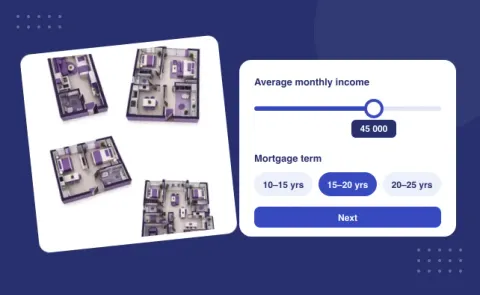
Try it: the mortgage affordability quiz qualifies buyers by price range, down payment and timeline, and shows an estimate before asking for contact details.
Home services: roofing, remodeling, kitchens
- What do you need help with? (Roof repair / Roof replacement / Kitchen remodel / Windows / Other)
- What type of property is it? (Single-family home / Multi-family / Commercial)
- What is the approximate size of the project? (ranges in square feet)
- Which materials do you prefer? (picture answers: shingles, metal, tile…)
- When do you want the work done? (As soon as possible / Within a month / In 1–3 months / Just getting prices)
- Do you own the property? (Yes / No, I rent / Buying soon)
- What ZIP code is the property in?
What it tells you: ownership and ZIP code filter out leads you cannot serve; size and materials let you show a rough price range on the result screen, which is what most homeowners want before they agree to a site visit. Templates: roof installation and repair quiz and custom kitchen quiz.
Try it: the roofing quiz asks about the job, the roof and the timing, then offers a detailed estimate within 24 hours.
Solar and energy efficiency
- Is this for your home or your business?
- What is your average monthly electricity bill? (Under $100 / $100–200 / $200–350 / Over $350)
- What type of roof do you have? (Shingle / Metal / Tile / Flat / Not sure)
- How much sun does your roof get? (Full sun / Partial shade / Mostly shaded)
- Do you own the property?
- What matters most to you? (Lower bills / Backup power / Going green / Tax credits)
What it tells you: the monthly bill is the best predictor of savings and of the system size; renters and fully shaded roofs can be routed to a polite "not a fit" screen instead of your sales team. Templates: renewable energy installation quiz and energy efficiency quiz.
Law firms and legal services
- What kind of legal help do you need? (Personal injury / Family law / Immigration / Business / Estate planning / Other)
- Briefly, what happened? (picture answers or 3–4 typical situations per practice area)
- When did it happen? (Within the last month / 1–12 months ago / Over a year ago)
- Are you already working with another attorney? (Yes / No)
- How urgent is your case? (I have a court date / Need advice this week / Just exploring options)
- How would you prefer to be contacted? (Phone / Email / Text)
What it tells you: practice area routes the lead to the right attorney, the date helps check deadlines, and "already working with an attorney" saves your intake team a call. Keep sensitive details out of the form and leave them for the consultation. Template: law firm quiz.
Insurance
- What type of insurance are you looking for? (Auto / Home / Life / Health / Business)
- Who needs to be covered? (Just me / Me and my partner / My family / My employees)
- Do you currently have a policy? (Yes, renewing soon / Yes, not happy with it / No)
- When does your current policy expire? (Within a month / 1–3 months / Later / No policy)
- What matters most in a policy? (Lowest price / Best coverage / Fast claims / Trusted company)
What it tells you: renewal date is your timeline; someone whose policy expires within a month and who is unhappy with their insurer is the lead to call first. Template: insurance quiz.
Dental clinics and med spas
- What brings you in? (Checkup and cleaning / Teeth whitening / Implants / Braces or aligners / Botox and fillers)
- Is anything bothering you right now? (Pain / Sensitivity / Cosmetic concerns / No, just a routine visit)
- Have you had this treatment before? (Yes / No)
- When would you like to come in? (This week / This month / Just researching)
- Do you have dental insurance? (Yes / No / Not sure)
- Which location is most convenient for you?
What it tells you: pain means urgency and a same-week appointment; insurance and treatment type help the front desk quote the visit before the call. Templates: dental clinic quiz and Botox service quiz.
Fitness and personal training
- What is your main goal? (Lose weight / Build muscle / Get stronger / Improve health / Train for an event)
- How often do you work out now? (Never / 1–2 times a week / 3+ times a week)
- Where do you prefer to train? (Gym / At home / Outdoors / Online)
- How many days a week can you commit? (2 / 3 / 4 / 5+)
- Have you worked with a trainer before? (Yes / No)
- What is your monthly budget for training? (ranges)
What it tells you: goal and experience let you recommend a specific program on the result screen; budget separates personal training prospects from group class prospects. Template: workout program quiz.
Recruiting, hiring and HR services
Quizzes work for hiring too: candidates answer a few questions instead of sending a CV first, and you see who fits before anyone schedules an interview.
- Which position are you interested in? (list of open roles)
- How many years of experience do you have in this role? (None / Under 1 year / 1–3 years / 3+ years)
- What schedule works for you? (Full-time / Part-time / Weekends / Flexible)
- When can you start? (Immediately / In 2 weeks / In a month or more)
- Do you have the required license or certification? (Yes / In progress / No)
- Upload your resume (optional file upload)
What it tells you: experience, availability and start date give your recruiter a ranked list instead of a pile of CVs. For HR agencies selling to companies, swap these for company size, roles to fill and hiring timeline. Templates: hiring quiz and HR agency quiz.
Language schools and online courses
- What do you want to learn? (English / Spanish / German / Coding / Design / Marketing)
- Why are you learning? (Career / Moving abroad / Exam / Travel / Personal interest)
- What is your current level? (Beginner / Some basics / Intermediate / Advanced)
- How would you like to study? (One-on-one / Small group / Self-paced online)
- How much time can you spend per week? (1–2 hours / 3–5 hours / 6+ hours)
- When would you like to start? (This week / This month / Later)
What it tells you: level, format and time per week map directly to a course or package you can recommend on the result screen, with the price. Templates: language school quiz and digital professions school quiz.
7 lead form mistakes that cost you conversions
Asking for a phone number first
It is the most sensitive field on the form. Put it last, after the visitor has seen a result and has a reason to share it.
Open text fields everywhere
Typing takes effort, and the answers are hard to sort. Use clickable options and ranges, and keep at most one optional "anything else?" field.
Questions that change nothing
If no answer to a question changes how your team handles the lead, delete it. Every extra step costs you some visitors.
Asking for an exact budget
"What is your budget?" with an empty field scares people off. Ranges get honest answers and still tell you what you need.
No sense of progress
People finish what they can see the end of. Show a progress bar and keep the quiz to roughly five to eight steps.
Same questions for everyone
A homeowner and a property manager need different questions. Use branching logic so each visitor only sees what applies to them.
Nothing in return
A form that ends with "Thanks, we'll be in touch" gives the visitor no reason to finish. Offer a price range, a recommendation, a checklist or a discount on the result screen.
How to build a lead form like this in AdsQuiz
You do not need a developer. Pick a template from the list above or start from scratch, then:
Swap in your questions
Edit the questions and answers, add picture options, and set up branching logic so each visitor sees only the questions that apply.
Add a result and the contact step
Show a price range, a recommendation or a bonus, then ask for the contact details your team will actually use.
Connect where leads go
Leads land in the built-in CRM and can go to Google Sheets, Pipedrive, Kommo, Zapier, Make or a webhook, with email or Telegram alerts. Track results with Facebook Pixel and Conversions API, Google Analytics, TikTok Pixel or ChatGPT Pixel.
Then publish the quiz on its own link for ads, embed it on your website as a block, pop-up or chat button, or use your own domain. If your leads mostly come from paid social, see how a quiz for Facebook ads fits into a campaign, or read more about the lead generation quiz approach.
Lead form questions: common questions

Oleksandr Palii, co-founder of AdsQuiz. He works with the marketers and agencies who build lead generation quizzes on AdsQuiz every day, from template design to ad funnels and CRM integrations.
Follow Oleksandr on LinkedInTurn these questions into a lead form today
Pick a template, swap in your questions and connect your CRM. You get 100 free leads in your first month.