Online Booking for Clients: How to Set It Up Through a Quiz in 20 Minutes
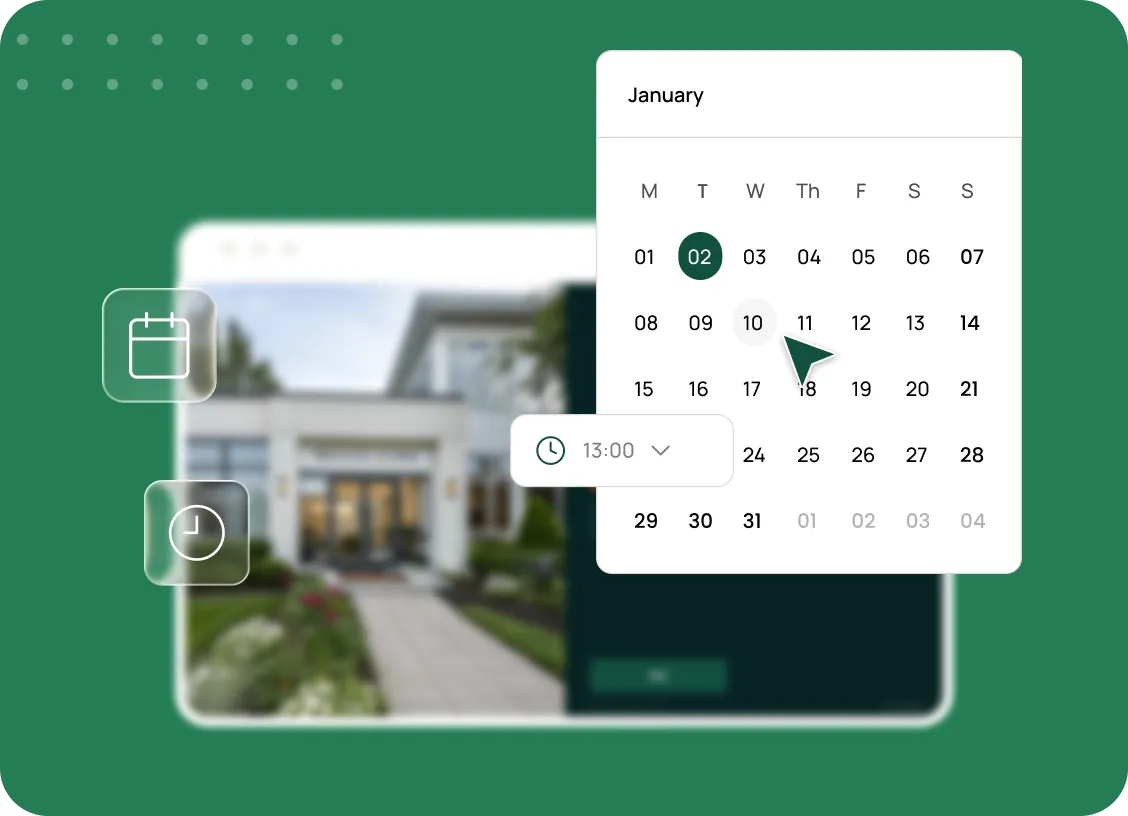
How to create an online booking page for clients without a website or developer — in 20 minutes. Barbers, salons, doctors, service professionals…

Add the code of our service to your website and collect additional applications without transferring users to third-party resources.








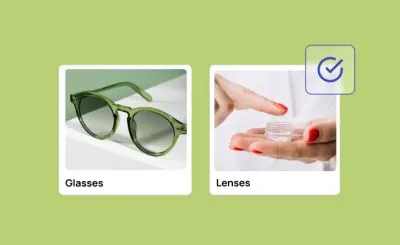 Healthcare & MedicalQuiz for Optical StoreFor optical retailers
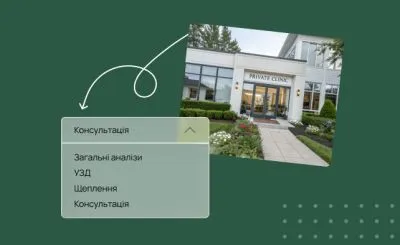 Healthcare & MedicalQuiz for a Private ClinicFor private medical clinics
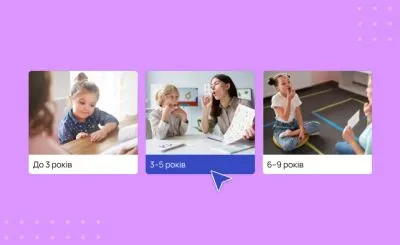 Healthcare & MedicalSpeech Therapist QuizFor speech therapy clinics
 Healthcare & MedicalWellness Center QuizLead generation quiz for wellness centers
 Healthcare & MedicalQuiz for a Pilates StudioFor Pilates and fitness studios
 Healthcare & MedicalQuiz for Women’s Health Check-Upswomens-health-check-up-quiz
How to create an online booking page for clients without a website or developer — in 20 minutes. Barbers, salons, doctors, service professionals…
How to use a quiz to recommend products to customers in your online store, segment ad audiences, and collect quality leads on your website.
How a lead generation quiz replaced a full website for a B2B company and delivered a $20 cost per lead even in an unstable market.
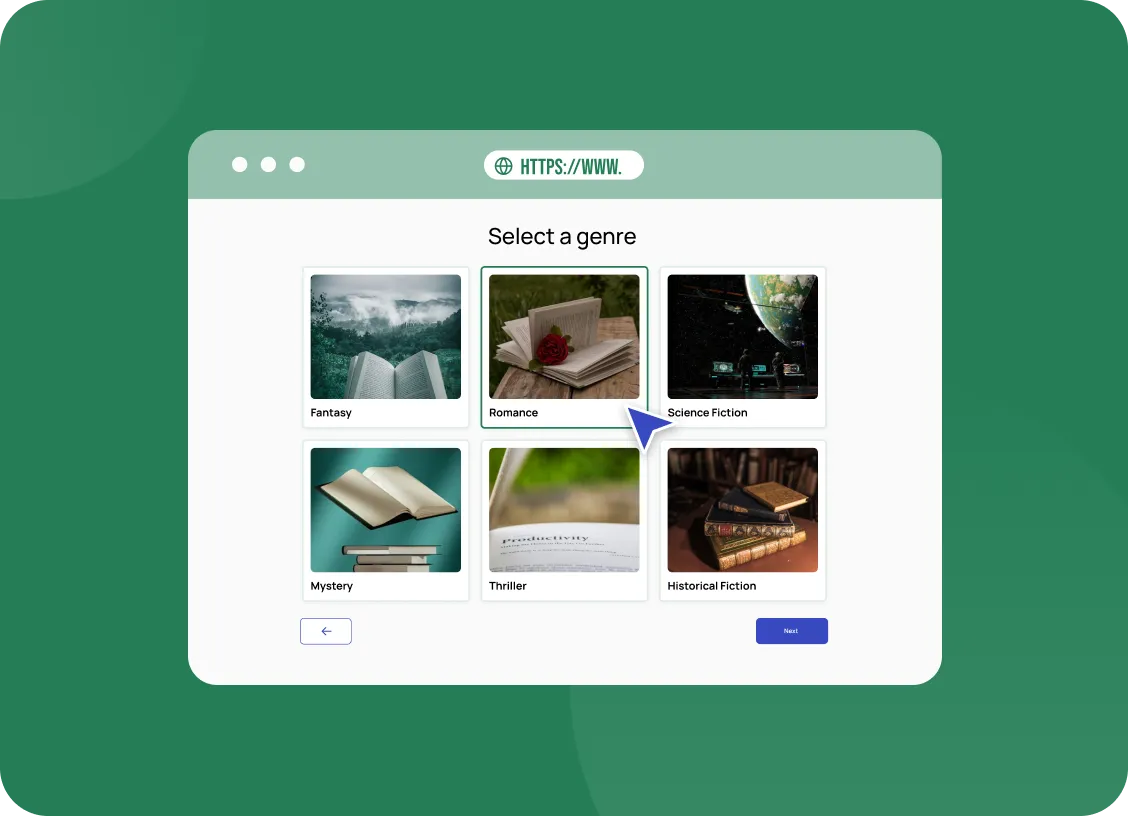
Visitors judge credibility in seconds, long before they read your offer. AdsQuiz helps a quiz look professional with your logo, fonts and colours on every step. A carefully chosen design theme gives it clean spacing and modern buttons from the start. The visitor sees a company that pays attention to detail. That impression makes them far more willing to share their contact details.
Your own address adds another layer of trust. When you connect a custom domain, the quiz opens on a link that carries your brand name. People recognise it in ads, messages and social profiles, and they feel safe clicking it. There is no unfamiliar third-party address to make them hesitate. Small signals like this add up to noticeably higher completion rates.
A professional look does not require a big budget. Templates and themes do most of the design work, and adjustments take minutes in a visual editor. You can match an existing website or create a fresh style for a new campaign. Every change is visible in the preview before it goes live. Even a small business can present itself like a well-funded brand.
Trust built by the design pays off later in the sales process. Leads who already see you as reliable are easier to convert on the first call. They ask fewer questions about your credibility and focus on the offer itself. With a custom colour scheme and a consistent style across all quizzes, your brand becomes recognisable. Recognition, in turn, makes every future campaign work better.