Online Booking for Clients: How to Set It Up Through a Quiz in 20 Minutes
How to create an online booking page for clients without a website or developer — in 20 minutes. Barbers, salons, doctors, service professionals…

Add the code of our service to your website and collect additional applications without transferring users to third-party resources.







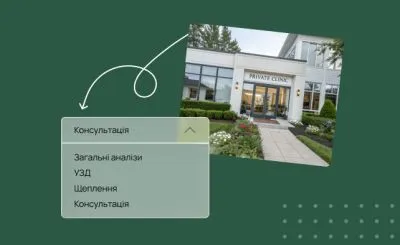 Healthcare & MedicalQuiz for a Private ClinicFor private medical clinics
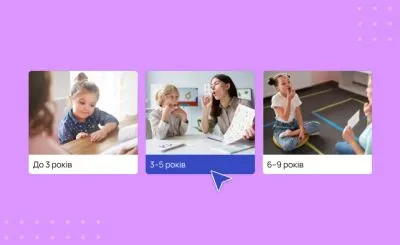 Healthcare & MedicalSpeech Therapist QuizFor speech therapy clinics
 Healthcare & MedicalWellness Center QuizLead generation quiz for wellness centers
 Healthcare & MedicalQuiz for a Pilates StudioFor Pilates and fitness studios
 Healthcare & MedicalQuiz for Women’s Health Check-Upswomens-health-check-up-quiz
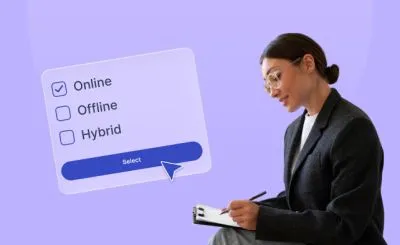 Healthcare & MedicalQuiz for a PsychologistFor psychologists and therapists
How to create an online booking page for clients without a website or developer — in 20 minutes. Barbers, salons, doctors, service professionals…
How to use a quiz to recommend products to customers in your online store, segment ad audiences, and collect quality leads on your website.
How a lead generation quiz replaced a full website for a B2B company and delivered a $20 cost per lead even in an unstable market.
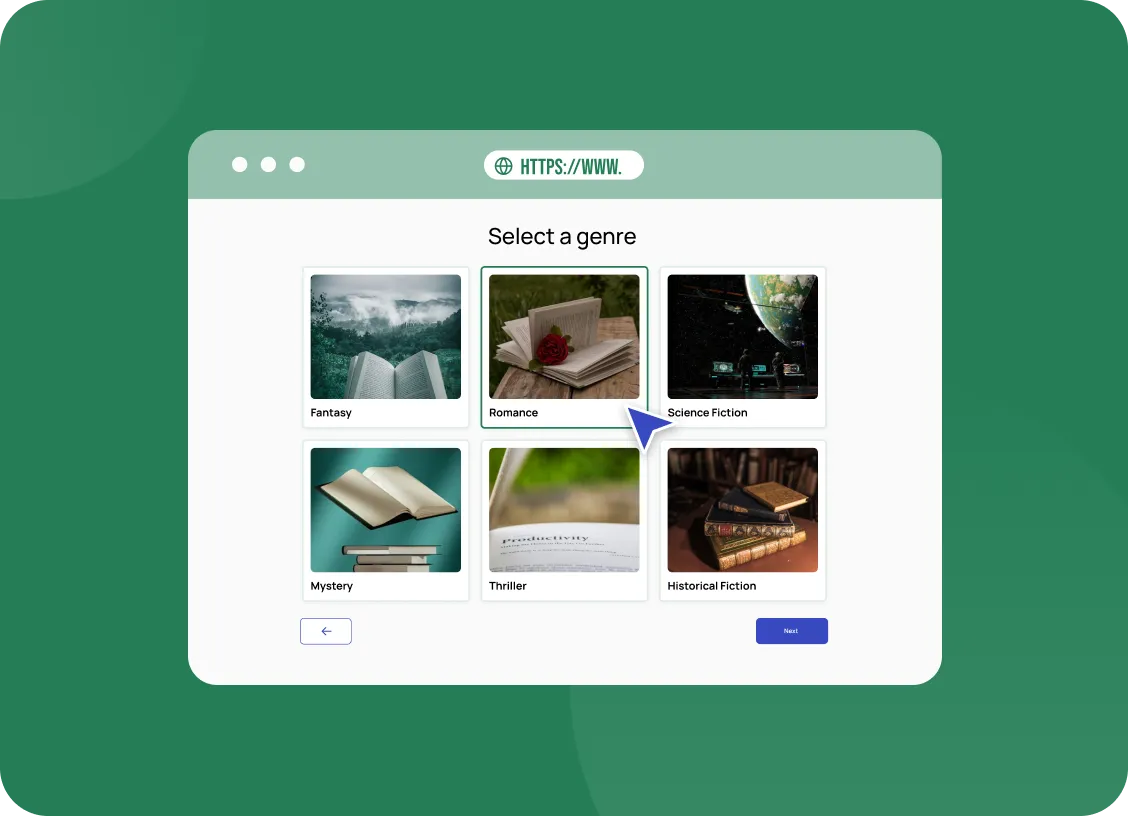
Many customers research online but prefer to buy in person. A quiz can bridge the two by recommending what they need and inviting them to visit. Visitors answer a few questions about their preferences and see suggestions that match. The final step can offer to book a visit or reserve a consultation. Online curiosity turns into real footsteps through your door.
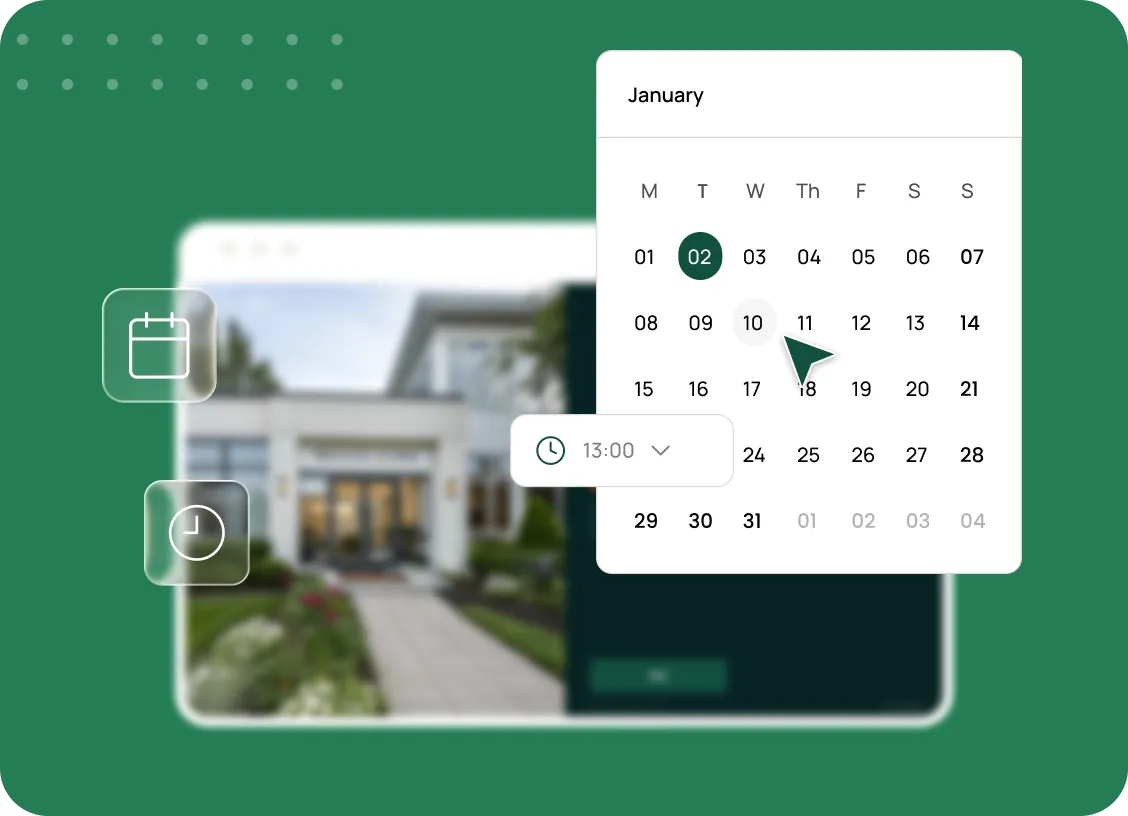
Booking a visit is simple with the right question types. A date and time picker lets customers choose a convenient slot directly in the quiz. Your staff receive the request with the chosen time and the customer's preferences. They can prepare suitable options before the person arrives. The visit feels personal and efficient from the start.
Advertising can be optimised for visits, not just clicks. Events sent to the Facebook Pixel tell the platform which visitors completed the quiz and booked. Campaigns then reach more people who are likely to do the same. UTM tags show which ads bring the most bookings. Your budget focuses on bringing real customers into the shop. Nothing has to be guessed about where shop visitors came from.
Notifications keep the team ready for every booking. With e-mail alerts, staff know about each request as soon as it is made. A CRM integration can track visits and outcomes over time. You see how many online leads become in-store customers. That connection between channels helps you plan both marketing and staffing. Online and offline sales finally appear in the same report.