adsquiz

University Admission Quiz

About this template

The University Admission Quiz is a powerful tool designed to help universities and colleges attract motivated applicants and simplify communication with prospective students. If you represent an educational institution and want to quickly generate high-quality leads, this ready-made quiz template will help you create an effective lead generation funnel. With this interactive tool, you can collect not only contact details but also valuable information about each applicant’s goals, preferred study programs, and needs — allowing your admissions team to prepare a tailored offer before the first call.

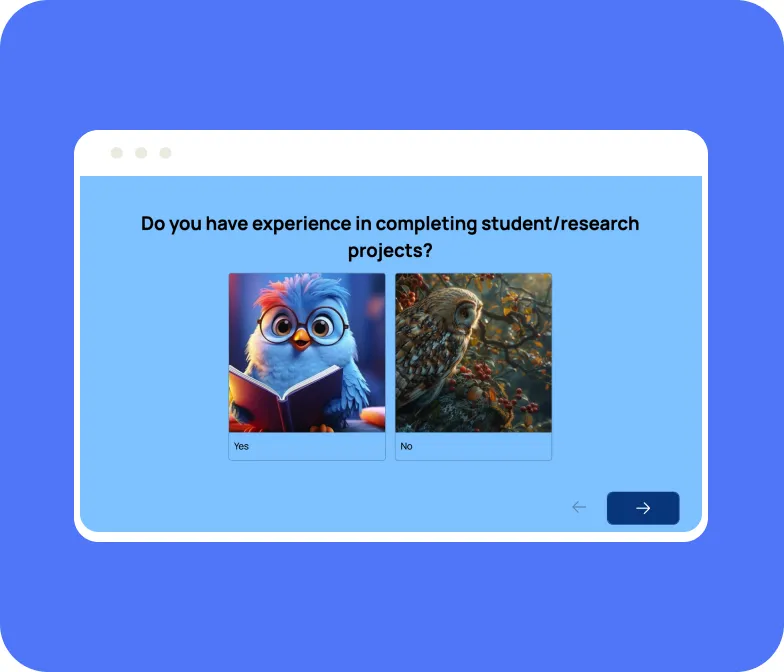
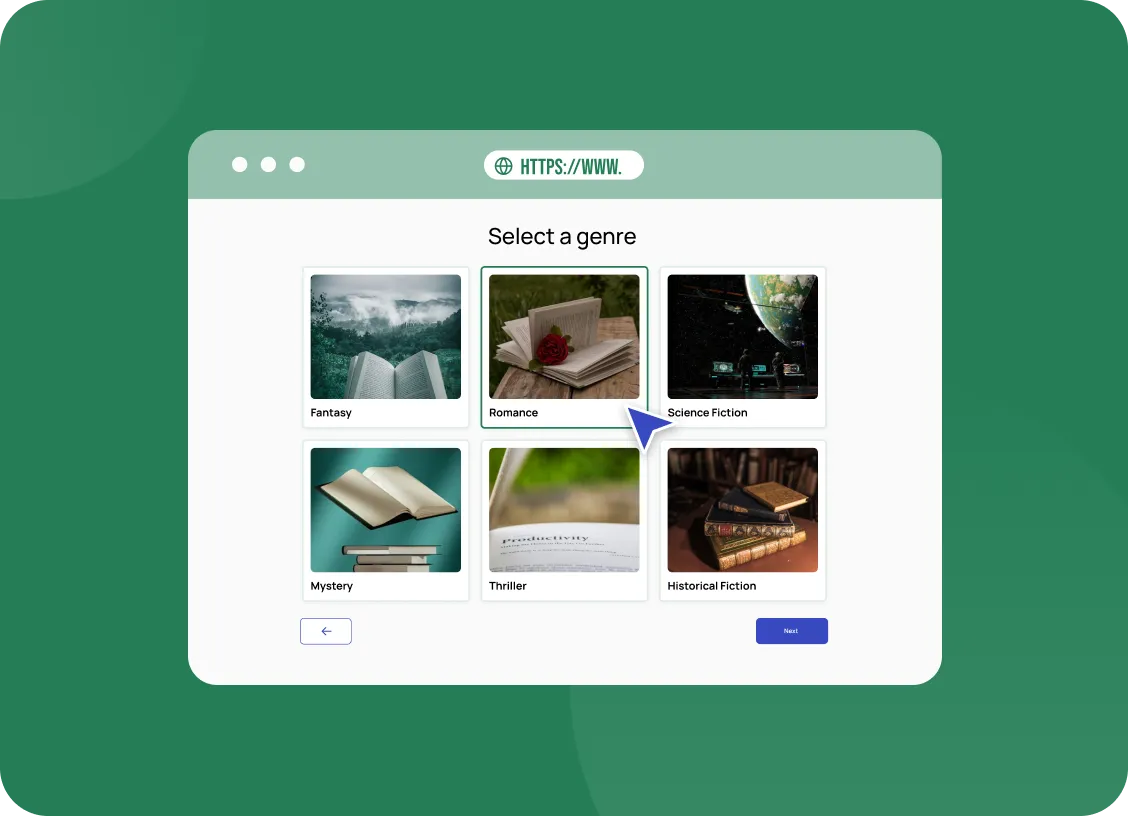
This template enables you to create an engaging quiz page in just a few minutes. It combines informative slides, multiple-choice questions, image-based cards, and open-input fields for personalized inquiries. The quiz begins with a welcoming introduction, presenting the university’s strengths: a modern campus in central Kyiv, experienced lecturers with international backgrounds, strong ties to companies like Google, SoftServe, and Deloitte, and a focus on practical, career-oriented education. This approach grabs the applicant’s attention immediately and increases the likelihood of completing the quiz.

The questions in this quiz are crafted to segment your audience effectively:
– Education level (College, Bachelor’s, or Master’s degree)
– Preferred field of study (IT, Business & Marketing, Psychology, Law, Creative Industries, International Relations, etc.)
– Tuition type (Scholarship, Contract, or Not sure yet)
– Accommodation needs (on-campus housing or other options).

There’s also an open-text field where applicants can ask additional questions, helping your team address specific concerns and provide a more personalized follow-up.

At the end of the quiz, participants are prompted to leave their contact details and receive a valuable bonus: a free meeting with a program coordinator and a checklist of all required documents for admission. This incentive boosts conversion rates, as it motivates prospects to finish the quiz and share their details. All submissions are automatically saved in AdsQuiz’s built-in CRM system, with options to forward them to email, or other CRMs for instant follow-up.

This quiz can be used as a standalone landing page for ad campaigns on Facebook or Google Ads, integrated directly into your website, or implemented as a pop-up to capture more leads. With AdsQuiz, you get all the tools you need — from analytics integrations (Google Analytics, Facebook Pixel, TikTok Pixel) to customizable branding options — so your university can attract and convert more students with ease.

Interactive and conversion-driven, this quiz helps filter non-target audiences, simplify student recruitment, and significantly increase enrollment rates for your institution.

AdsQuiz builder features

  • different question types: lists, photo cards, slider, date and time, input fields, rating
  • logic and branching: different questions for different answers
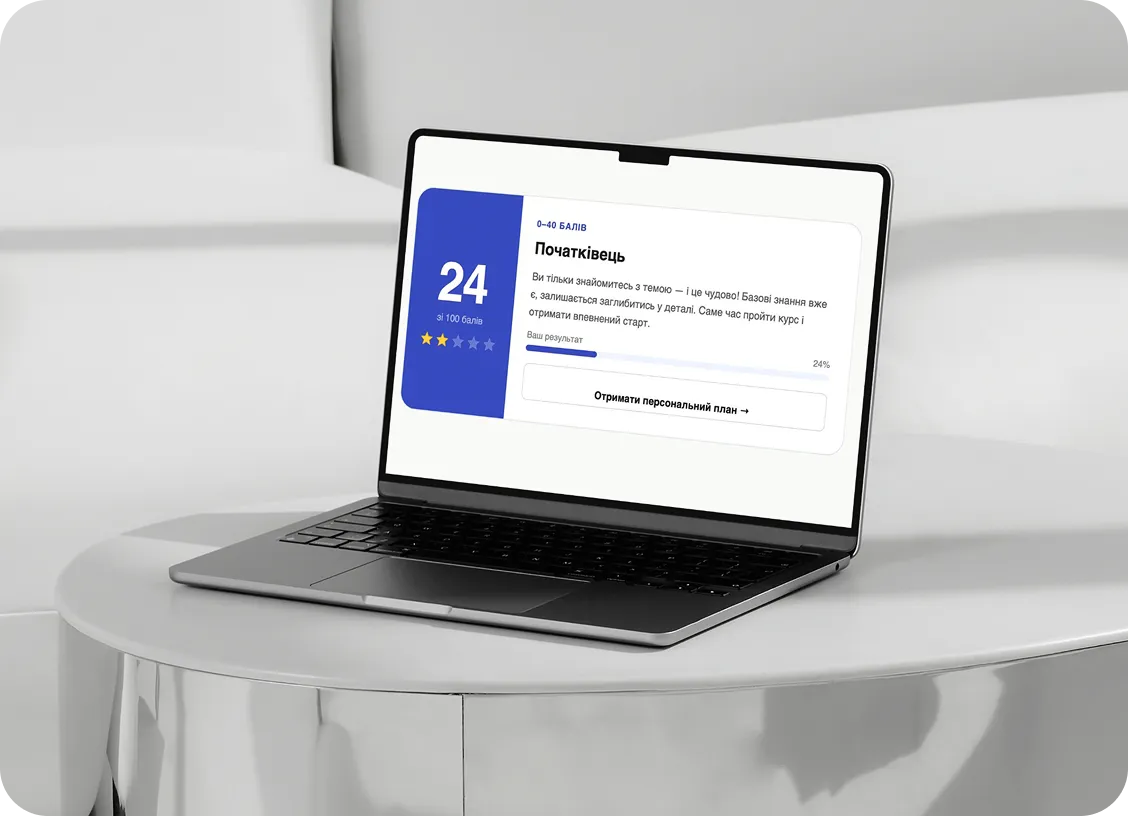
  • points and result pages for tests and calculators
  • design themes, your own colours, logo and photos
  • custom domain, spam protection and a privacy policy link
  • team access with different roles

Where leads go

Every lead is saved in the built-in AdsQuiz CRM with the answers and UTM tags. Get leads instantly by email, in Google Sheets or in CRMs: KeyCRM, Kommo, Pipedrive, SalesDrive. Other services connect via Zapier, Make or Webhook. For ads, connect Meta Pixel, TikTok Pixel or Google Tag Manager to see which campaigns bring leads.

Launch the quiz in 20 minutes

  1. Sign up for AdsQuiz: your first 100 leads are free.
  2. Pick this template and adapt the texts, photos and bonus to your business.
  3. Choose where leads go: email, CRM or Google Sheets.
  4. Publish the quiz as a standalone page or embed it on your website as a block or pop-up, and run your ads.

More ready-made quizzes for this industry in the “Education & Courses” category.

Quiz embed code for a website
Setting up a quiz

To your website

Add the code of our service to your website and collect additional applications without transferring users to third-party resources.

You can install the quiz on your website as:
  • embedded block
  • pop-up
  • chat form
  • side panel
  • interactive hint
  • launch button

Frequently asked questions

What is a quiz and how does it work?

A quiz is an interactive questionnaire or test that helps engage customers and collect contact information. You create a series of questions relevant to your business field, and users answer them. As a result, they receive a personalized response or offer, such as a discount or product selection.

Can I create a quiz without any experience?

Yes, our service is easy to use! With our user-friendly builder, you can create a quiz in 10–15 minutes, even without prior experience. We also offer ready-made templates for various businesses.

Can I integrate the quiz with a CRM or other platforms?

Yes, our service supports integration with popular CRMs, email services, chatbots, and other tools. You can automatically collect contacts, send messages, or set up a sales funnel.

How much does it cost to use your service?

We offer several pricing plans suitable for small businesses and large companies. There is also a free plan to try out all the basic features. You can review the pricing plans here.

Will I get a discount if I pay annually instead of monthly?

Yes, by paying annually, you get a discount! This is more cost-effective than monthly payments. Annual plans allow you to save up to 20%, depending on the package you choose. You can check the pricing plans and discounts here.

Can I embed the quiz on my website?

Yes, of course! You can easily embed the quiz on your website. After creating the quiz, you will have access to a unique embed code (iFrame) or a link. Simply copy the code and add it to the desired section of your website. Learn more here.

You can use

AdsQuiz in advertising

Facebook Pixel
Facebook pixel
Google Analytics
Google Analytics
Facebook Conversions API
ApiX-Drive
APIxDrive
Google Tag Manager
Google Tag Manager
Google Sheets
Google Sheets
Zapier
Zapier
KommoCRM
Kommo
Make
Make
Mailchimp
Mailchimp
Webhook
Webhook
KeyCRM
Pipedrive
Email
SendPulse
SendPulse
Telegram
Telegram
TikTok Pixel
TikTok Pixel

Guide applicants to the right programme

Prospective students often browse dozens of options and still feel unsure. A quiz that asks about their interests, goals and strengths can point them in the right direction. At the end, they see a recommendation that fits their profile. That guidance builds confidence and makes the next step easier. Uncertain visitors become motivated applicants.

Every lead arrives with the context your admissions team needs. A KeyCRM integration or Pipedrive connection places each request in your pipeline with all answers attached. Advisers can see which programme was recommended and why. The first conversation can continue from that point. Applicants feel the advice is personal and well informed. Advisers no longer begin every call with the same basic questions.

Tracking shows which campaigns bring the most suitable applicants. With Google Tag Manager, quiz completions can be sent to your analytics and ad platforms. UTM tags saved with each lead reveal the exact source. You can focus your budget on channels that bring serious candidates. Recruitment becomes more efficient and less costly.

The quiz also provides insight into what applicants are looking for. Over time, the answers show which interests and goals are most common. That information can guide your marketing messages and programme descriptions. Updating the quiz for a new intake takes minutes in the visual editor. Your admissions funnel stays relevant year after year. Applicants always meet an up-to-date, helpful guide.