adsquiz

Quiz for a marketer

About this template

A quiz for a marketer is an effective tool for a marketing professional who aims to initiate collaboration with a new client. This quiz is designed to gather information about the request with which the client approaches the marketer.

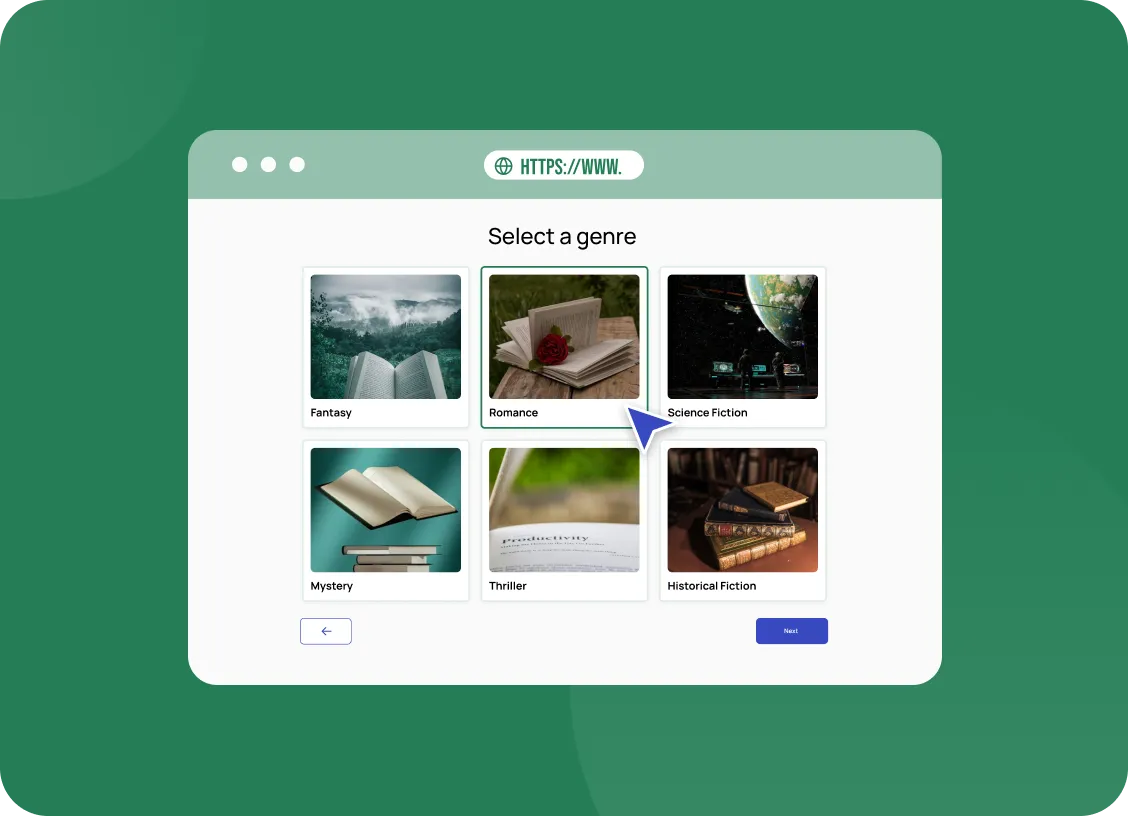
The quiz consists of 4 questions that will help understand the client’s expectations regarding the goal of their advertising campaign, the number of leads, the project’s current stage, the budget the client is willing to spend. We have also created questions with a free-text field for the client’s company name and a slide where the person can choose a gift for completing the quiz.

We highly recommend motivating the potential client with a bonus, as it significantly increases your chances of starting cooperation. What to offer as a gift? A discount, your consultation, an audit of advertising accounts, etc.

When a person completes the quiz for the marketer, they will land on a thank-you page from where they can navigate to your social media. Instead of this page, you can set up a redirect to your website.

Feel free to use this template for your quiz, and if you have any questions, write to the customer support chat on our website.

AdsQuiz builder features

  • different question types: lists, photo cards, slider, date and time, input fields, rating
  • logic and branching: different questions for different answers
  • points and result pages for tests and calculators
  • design themes, your own colours, logo and photos
  • custom domain, spam protection and a privacy policy link
  • team access with different roles

Where leads go

Every lead is saved in the built-in AdsQuiz CRM with the answers and UTM tags. Get leads instantly by email, in Google Sheets or in CRMs: KeyCRM, Kommo, Pipedrive, SalesDrive. Other services connect via Zapier, Make or Webhook. For ads, connect Meta Pixel, TikTok Pixel or Google Tag Manager to see which campaigns bring leads.

Launch the quiz in 20 minutes

  1. Sign up for AdsQuiz: your first 100 leads are free.
  2. Pick this template and adapt the texts, photos and bonus to your business.
  3. Choose where leads go: email, CRM or Google Sheets.
  4. Publish the quiz as a standalone page or embed it on your website as a block or pop-up, and run your ads.

More ready-made quizzes for this industry in the “Digital Agencies” category.

Quiz embed code for a website
Setting up a quiz

To your website

Add the code of our service to your website and collect additional applications without transferring users to third-party resources.

You can install the quiz on your website as:
  • embedded block
  • pop-up
  • chat form
  • side panel
  • interactive hint
  • launch button

Frequently asked questions

What is a quiz and how does it work?

A quiz is an interactive questionnaire or test that helps engage customers and collect contact information. You create a series of questions relevant to your business field, and users answer them. As a result, they receive a personalized response or offer, such as a discount or product selection.

Can I create a quiz without any experience?

Yes, our service is easy to use! With our user-friendly builder, you can create a quiz in 10–15 minutes, even without prior experience. We also offer ready-made templates for various businesses.

Can I integrate the quiz with a CRM or other platforms?

Yes, our service supports integration with popular CRMs, email services, chatbots, and other tools. You can automatically collect contacts, send messages, or set up a sales funnel.

How much does it cost to use your service?

We offer several pricing plans suitable for small businesses and large companies. There is also a free plan to try out all the basic features. You can review the pricing plans here.

Will I get a discount if I pay annually instead of monthly?

Yes, by paying annually, you get a discount! This is more cost-effective than monthly payments. Annual plans allow you to save up to 20%, depending on the package you choose. You can check the pricing plans and discounts here.

Can I embed the quiz on my website?

Yes, of course! You can easily embed the quiz on your website. After creating the quiz, you will have access to a unique embed code (iFrame) or a link. Simply copy the code and add it to the desired section of your website. Learn more here.

You can use

AdsQuiz in advertising

Facebook Pixel
Facebook pixel
Google Analytics
Google Analytics
Facebook Conversions API
ApiX-Drive
APIxDrive
Google Tag Manager
Google Tag Manager
Google Sheets
Google Sheets
Zapier
Zapier
KommoCRM
Kommo
Make
Make
Mailchimp
Mailchimp
Webhook
Webhook
KeyCRM
Pipedrive
Email
SendPulse
SendPulse
Telegram
Telegram
TikTok Pixel
TikTok Pixel

Data you can actually act on

Every answer in a quiz is a small piece of market research. AdsQuiz stores them all, so over time you build a detailed picture of what your audience wants. You see which options are chosen most often and which ones are ignored. Patterns emerge that are hard to spot in ordinary contact forms. Product and marketing decisions can rest on what people actually said.

Tracking tools turn this data into clear funnel reports. Through Google Tag Manager, you can send events for quiz starts and completions to any analytics or ad platform. UTM tags saved with each lead show exactly which source brought them. You can measure drop-off between steps and fix the questions where people leave. Optimisation becomes a routine process rather than a guessing game.

Raw data can also go straight into your own systems. A webhook sends every answer to a database, dashboard or internal tool in real time. Google Sheets works as a simple shared report for teams without technical setups. Nothing has to be exported by hand at the end of each month. Your analysis always works with fresh, complete information.

Better data leads to better campaigns. When you know what your audience values, you can write sharper ad texts and offers that speak to real needs. Segments built from quiz answers make e-mail and retargeting far more relevant. Each new campaign starts from evidence instead of assumptions. With Google Analytics in the mix, you can prove the impact of every improvement.